 my3d
Arrive at the workspace
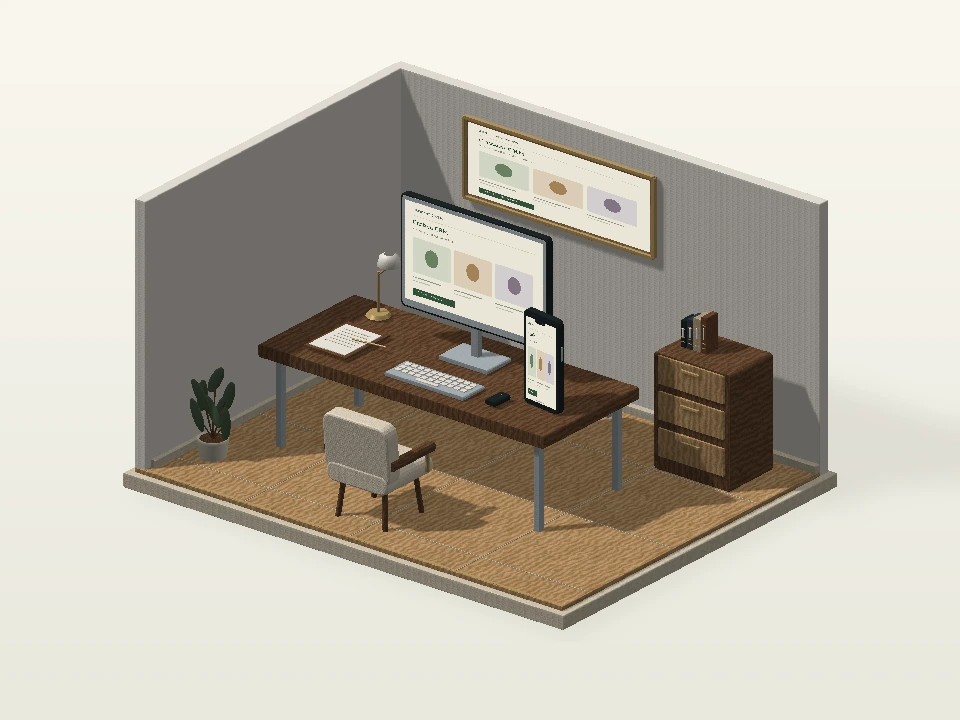
A composed desk, connected screens and organized working surfaces establish a business operations environment.
Scroll to follow the camera, or use the controls to explore.
WEBSITES & APPS / DESIGNED AROUND YOUR BUSINESS
Give every enquiry a visible next step.
Create a CRM around your sales or service workflow, with organised records, clear ownership and useful follow-up steps for your team.
A detailed operations workspace leads from a new enquiry into ownership, follow-up and a visible sales pipeline.
Explore this service’s own visual journey.
A composed desk, connected screens and organized working surfaces establish a business operations environment.
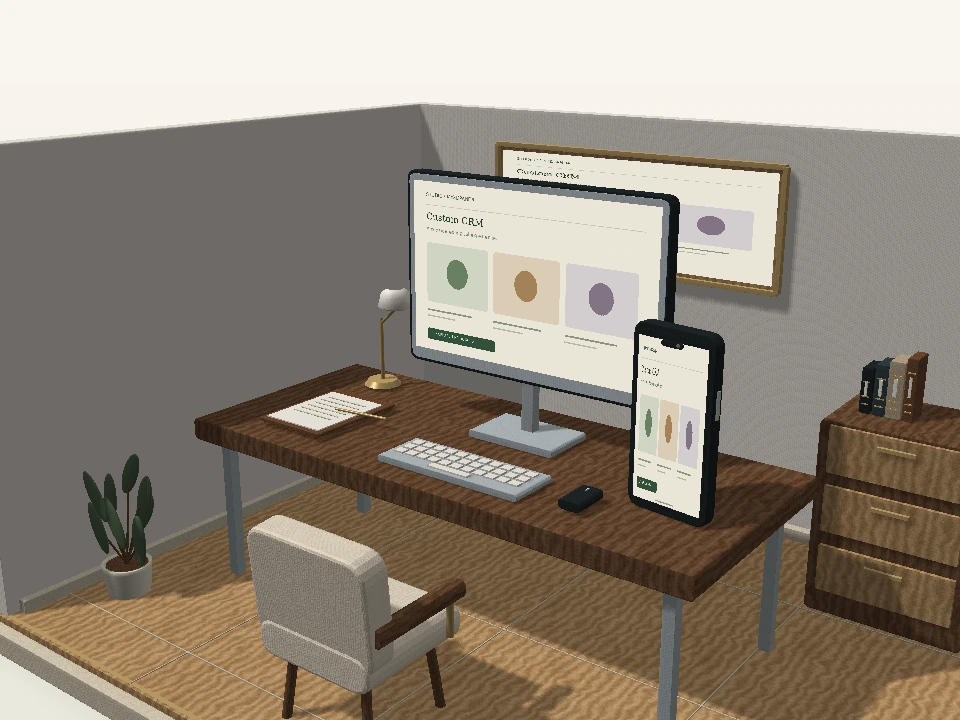
Scroll to follow the camera, or use the controls to explore.Move closer to the screen presentation and desk objects that support day-to-day follow-up.
A connected chapter within this service’s own environment.Separate the workspace elements to introduce capture, ownership and next action as connected responsibilities.
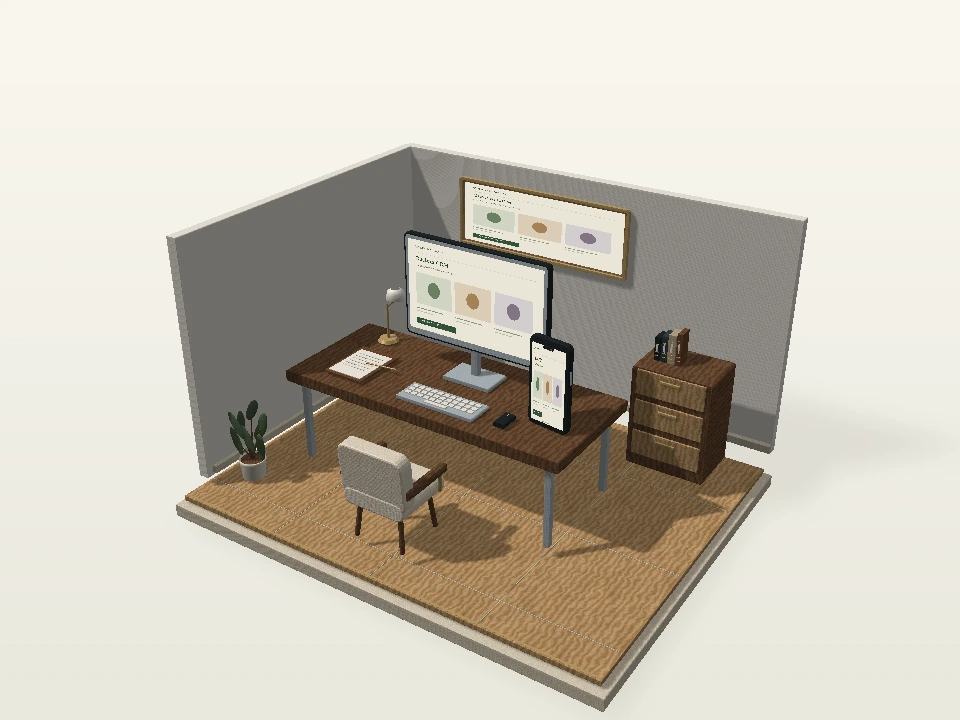
A connected chapter within this service’s own environment.Inspect the complete workspace from another angle and compare a coordinated finish.
A connected chapter within this service’s own environment.Advance an example enquiry through pipeline stages and review its status within the demonstration.
A connected chapter within this service’s own environment.A composed desk, connected screens and organized working surfaces establish a business operations environment.
Move closer to the screen presentation and desk objects that support day-to-day follow-up.
Separate the workspace elements to introduce capture, ownership and next action as connected responsibilities.
Inspect the complete workspace from another angle and compare a coordinated finish.
Advance an example enquiry through pipeline stages and review its status within the demonstration.
A concept for your business. Your final assets and features follow the agreed project scope.
Finished desk materials and clearly framed screens give the system a recognizable business context.
The scene introduces the relationship between lead capture, assignment and the next follow-up.
Sample stage changes show how a custom CRM can reflect an agreed sales process and team responsibilities.
Move an illustrative lead between stages and inspect its status. Your actual fields, roles, reporting and integrations would determine the CRM scope.
Move a sample opportunity through the pipeline and watch the dashboard change.
Website project · Sample lead
₹45,000Review discovery notesCRM integration · Sample lead
₹60,000Move Atelier Studio forward to see its next action and dashboard update.
Explore the atmosphere, visual details and presentation behind this service’s direction.




When lead details and next actions live in different places, follow-ups become inconsistent. Start with your real stages and responsibilities. Select what matters and add it to your brief.
Businesses whose spreadsheets or current CRM do not fit their process.
Describe your lead sources, sales stages, team roles and the follow-up work you want to organise.
Get my project quotation Share your idea. Review a clearly defined scope.Your lead stages, team size and current tools. We begin with the goal and the people who will use it.
Define features, responsibilities, content, estimated schedule and costs before the project starts.
Review the agreed direction and key flows. Feedback is handled within the scope confirmed for your project.
Check the agreed experience, connect the required services and walk through the handover.
Have a requirement that isn’t covered here? Tell us what you have in mind.
Ask us on WhatsAppYes. Share a sample structure without sensitive customer details first so we can plan field mapping and cleanup.
We can assess the tools, API availability and data permissions before confirming the integration scope.
₹4,999 is the starting development price. The final quote depends on the agreed features, pages or screens, integrations and content. Platform subscriptions, hosting, domains, paid tools and other recurring charges are separate unless your proposal explicitly includes them. We confirm the scope and price before work begins.
Start with your lead stages, team size and current tools. If you are still deciding, tell us your goal and we can discuss the first version.
We confirm the delivery schedule after reviewing the scope and available content. Features, integrations, feedback and any external review requirements affect the timeline.
You don’t need a perfect brief. Share a few details and we can discuss the scope that fits your business.