 my3d
Enter the field workspace
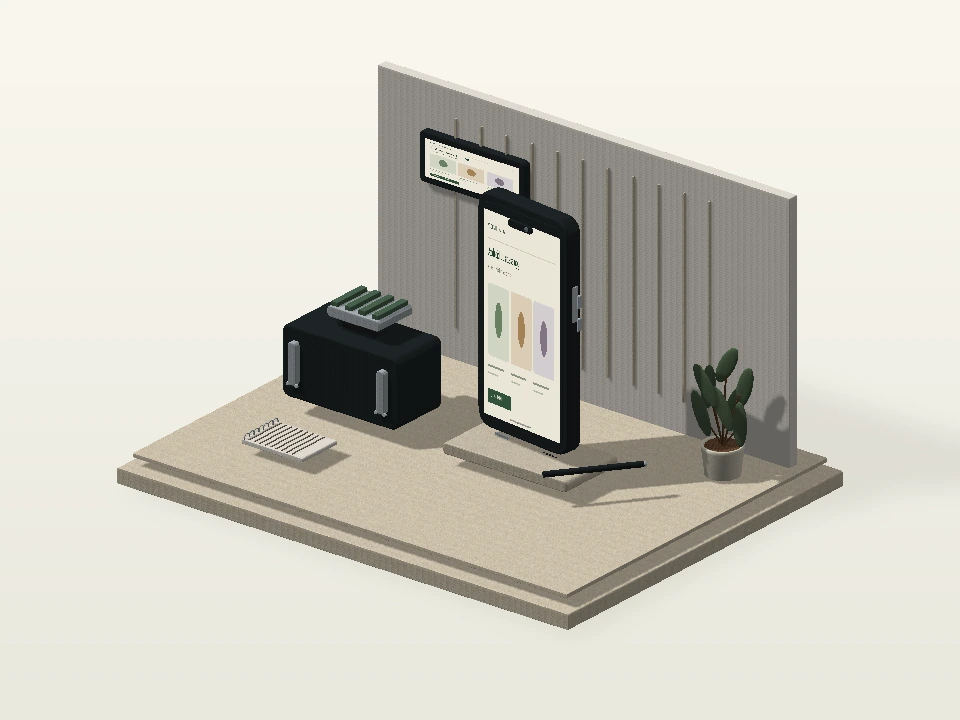
An Android-style device, equipment case and organized workshop establish the app’s operational context.
Scroll to follow the camera, or use the controls to explore.
WEBSITES & APPS / DESIGNED AROUND YOUR BUSINESS
Put the useful parts of your business in their hand.
Build an Android app around a defined customer or team workflow, with focused screens and a practical first-release scope.
A detailed device, protective equipment and inspection setting introduce a practical business app journey.
Explore this service’s own visual journey.
An Android-style device, equipment case and organized workshop establish the app’s operational context.
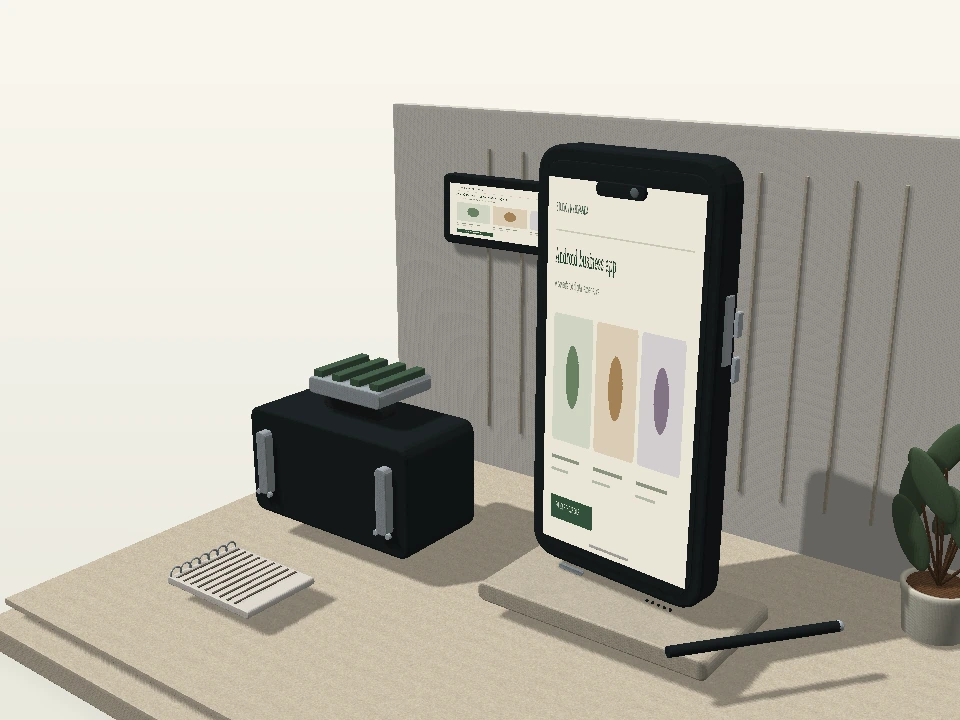
Scroll to follow the camera, or use the controls to explore.Move closer to screen edges, device controls, protective-case fittings and working details.
A connected chapter within this service’s own environment.Separate the principal device and equipment layers to inspect how the mobile experience fits the task.
A connected chapter within this service’s own environment.See the device from another angle and compare a coordinated finish.
A connected chapter within this service’s own environment.Explore a sample mobile workflow and inspect how actions and status can be organized.
A connected chapter within this service’s own environment.An Android-style device, equipment case and organized workshop establish the app’s operational context.
Move closer to screen edges, device controls, protective-case fittings and working details.
Separate the principal device and equipment layers to inspect how the mobile experience fits the task.
See the device from another angle and compare a coordinated finish.
Explore a sample mobile workflow and inspect how actions and status can be organized.
A concept for your business. Your final assets and features follow the agreed project scope.
Protective equipment, workshop surfaces and an inspection device give the app a concrete business context.
Finished device edges and controls make the screen feel part of a complete physical product.
Sample actions and activity views introduce the recurring workflow your app needs to support.
Try the illustrative mobile business flow. Your users, recurring tasks, connected data and administration needs would define the Android app.
Complete a sample field checklist, attach a demonstration photo and review the connected inspection report.
Review the three sample checks, add a demonstration photo and submit the local report.

Sample attachment · equipment-check.webp
0 of 3 checks · No sample attachment
No report submitted yet. Complete the sample inspection to add an activity record.
The checklist, attachment and activity belong to one sample inspection. No real report or photograph is uploaded.
A browser-based Android app concept using local sample data.
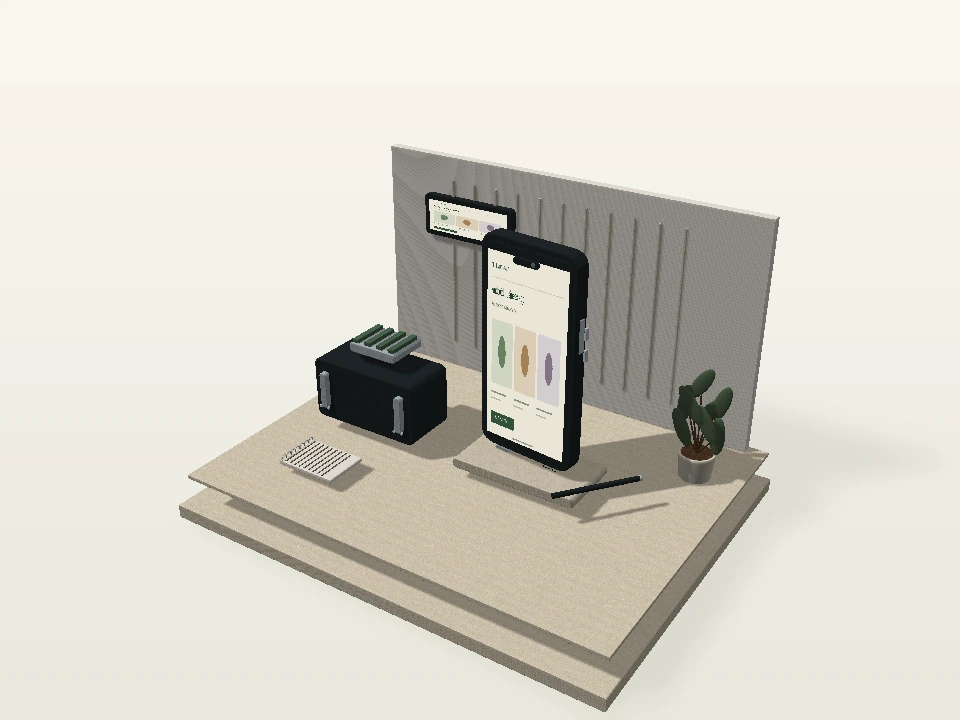
Explore the atmosphere, visual details and presentation behind this service’s direction.


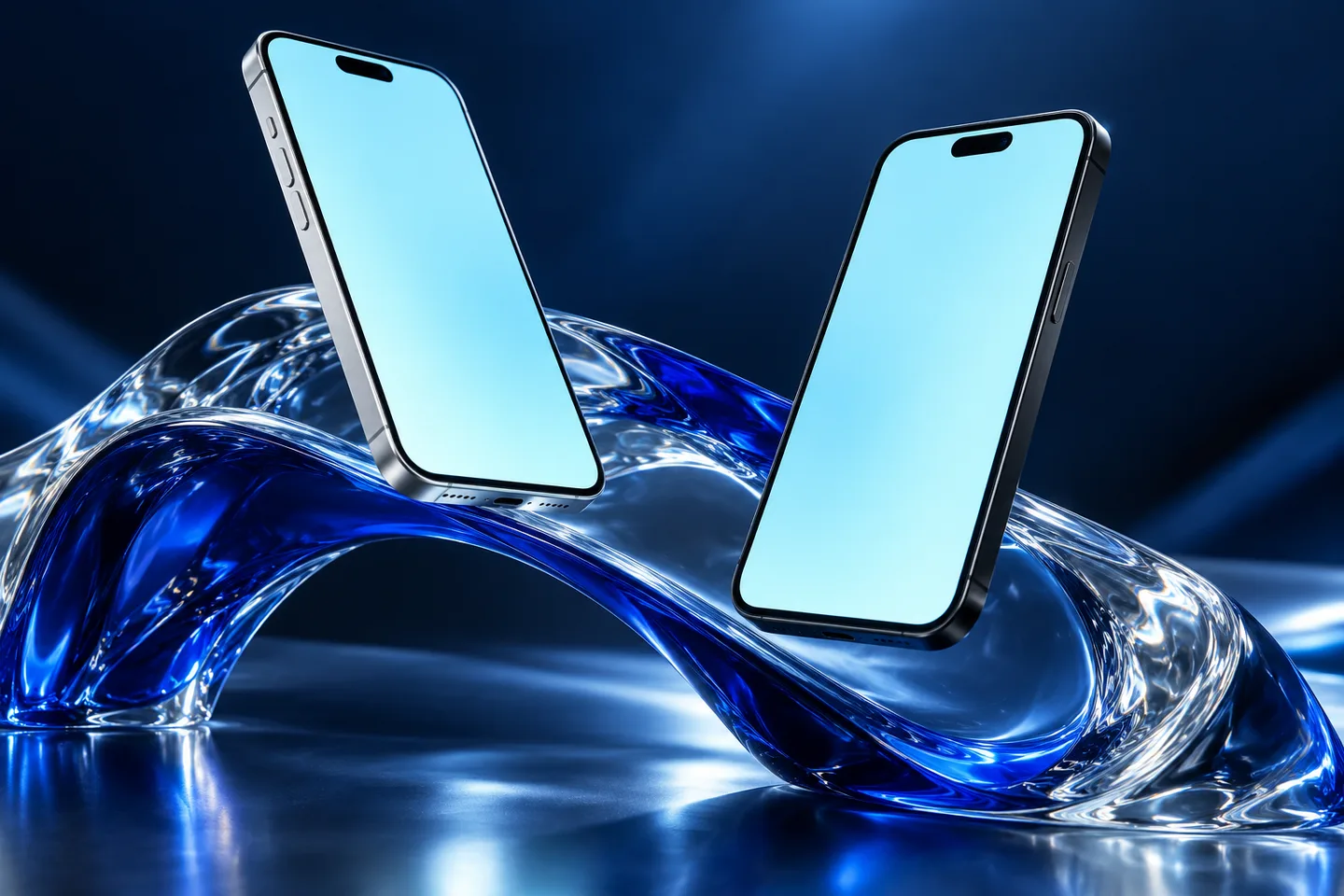
An app works best when its purpose is specific. Define the recurring action, required information and back-office workflow before adding more screens. Select what matters and add it to your brief.
Businesses with a clear mobile use case beyond their website.
Describe your users, the main task the Android app should support and any existing systems.
Get my project quotation Share your idea. Review a clearly defined scope.Your app idea, users and must-have first-release features. We begin with the goal and the people who will use it.
Define features, responsibilities, content, estimated schedule and costs before the project starts.
Review the agreed direction and key flows. Feedback is handled within the scope confirmed for your project.
Check the agreed experience, connect the required services and walk through the handover.
Have a requirement that isn’t covered here? Tell us what you have in mind.
Ask us on WhatsAppIt can be included after defining data, admin controls and integration requirements. It is not assumed to be a small add-on.
No. Store review decisions are outside our control. Submission preparation and any agreed review support can be scoped.
₹4,999 is the starting development price. The final quote depends on the agreed features, pages or screens, integrations and content. Platform subscriptions, hosting, domains, paid tools and other recurring charges are separate unless your proposal explicitly includes them. We confirm the scope and price before work begins.
Start with your app idea, users and must-have first-release features. If you are still deciding, tell us your goal and we can discuss the first version.
We confirm the delivery schedule after reviewing the scope and available content. Features, integrations, feedback and any external review requirements affect the timeline.
You don’t need a perfect brief. Share a few details and we can discuss the scope that fits your business.